Content with purpose
Images and videos for promotions, collections and campaigns. Use your existing assets or ask the MoosBox creative team to adapt images and videos or develop bespoke visual content, quoted separately.

Legal music inclusive of all rights and custom spots to sell more.
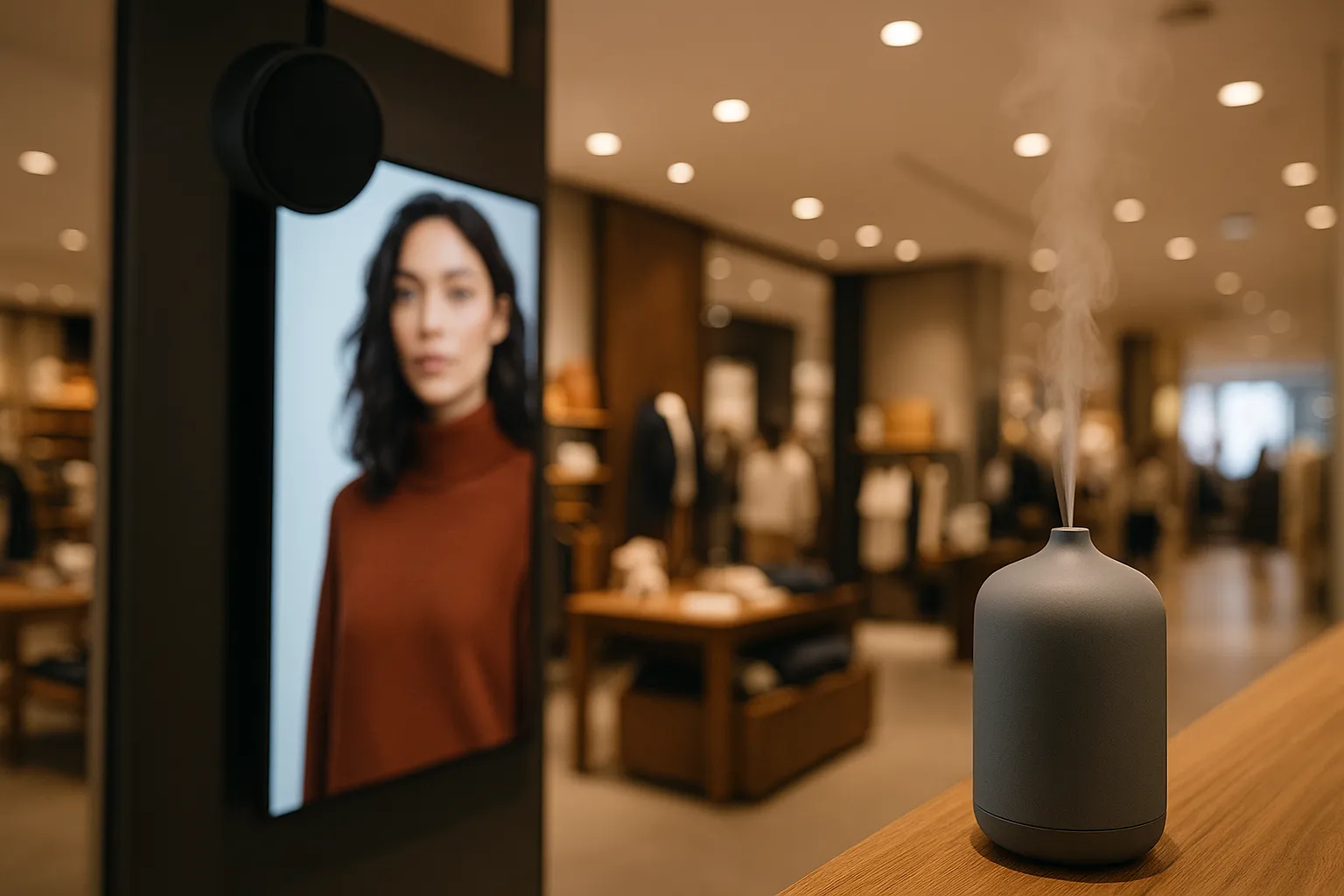
MoosBox Visual brings images, video and on-screen messaging alongside your in-store music. An add-on to the MoosBox music service, helping brands create a recognisable experience from a single shop to an entire retail network.
↓From shop windows to in-store displays, images and videos can showcase collections, promotions and useful information. Scheduling can be adapted to each location; the software subscription applies to each active screen.
Fashion and retail, hospitality, showrooms, franchises and chains: content can be tailored to each venue while maintaining a recognisable brand identity.
Images and videos for promotions, collections and campaigns. Use your existing assets or ask the MoosBox creative team to adapt images and videos or develop bespoke visual content, quoted separately.
Screens and content organised by store with dedicated permissions.
Visual campaigns can be scheduled alongside MoosBox music and audio announcements. Precise visual-and-audio synchronisation is possible when supported by the chosen technical setup.
Screen connectivity and operational information can be checked using the functions available in the selected management tools.
Preview content using the features available in the selected management system.
Set up supported screens and optional players after checking hardware compatibility.
Digital signage brings images, video and messages into physical spaces. MoosBox adds a broader perspective: visual content, music programming and announcements can work towards the same brand identity and communication goals. A coordinated approach for retail, showrooms and hospitality, even when different systems are used to manage each channel.
Explore our In-Store Experience approach →Practical examples to adapt to each brand’s spaces, screens and communication needs.
Showcase new arrivals, promotions and seasonal content in a way that complements the store’s musical atmosphere.
Bring materials, product details and interior concepts to life through dedicated visual content.
Share services, events and practical information in communal spaces with a consistent visual identity.
Keep brand communication consistent while adapting selected messages to individual locations.
Images, videos and on-screen messages can be organised, scheduled and updated remotely. Here's what the Visual component makes possible.
Upload images and videos, display webpages or start from editable templates. The MoosBox creative team can prepare bespoke material.
Create playlists and decide what plays at different times, on specific days or during promotional campaigns.
Assign content to one screen or several displays and locations, depending on the selected setup.
Change content and schedules without visiting each screen. Previews and monitoring depend on the management tools available.
Management features, MoosBox integrations and device compatibility are confirmed for each project.
Music sets the atmosphere. Images make products, campaigns and messages visible. MoosBox helps keep them aligned with the same creative direction.
It uses digital screens to display images, videos and messages in commercial spaces, with content that can be scheduled and updated.
MoosBox Visual is an add-on to the MoosBox music service. Images, videos, music and audio announcements can be coordinated, including through dedicated management systems. Precise visual-and-audio synchronisation is possible where supported by the chosen technical setup.
Yes. We can plan content management across multiple locations, maintaining a consistent brand identity while adapting messages to individual sites. Tools, access permissions and workflows depend on the selected solution.
Compatibility depends on the screens, devices and management system selected. We assess the technical requirements of each project before recommending suitable hardware; there is no universal list of MoosBox-certified devices.
Digital signage, visual communication and retail: perspectives from the MoosBox blog.


Already using MoosBox, or planning to add music and digital signage? Tell us about your screens, locations and the support you need.
Let's talk ↗